AI Posture Tracking:
How Real-Time Pose Estimation Corrects Workout Form
AI posture tracking uses a standard camera and pose estimation to check every rep, count reps automatically and give instant form feedback, like a personal trainer on every screen. This guide explains how it works and where gyms, physiotherapy clinics and fitness apps use it.
01 · Overview
What is AI posture tracking?
AI posture tracking is a computer vision technique that watches a person exercise through a camera, maps their body joints in every frame and checks whether their form is correct. It can tell when a squat is too shallow, a back starts to round or knees cave inward, and it counts each full rep on its own.
A personal trainer cannot watch every rep of every client, and most people training at home or in a busy gym get no feedback at all. Poor form slows progress and raises the risk of injury. Pose estimation models now run fast enough on ordinary phones and cameras to close that gap, which is why gyms, physiotherapy clinics and fitness apps are adding real-time form feedback to their products.
02 · Technology
How does pose estimation see movement?
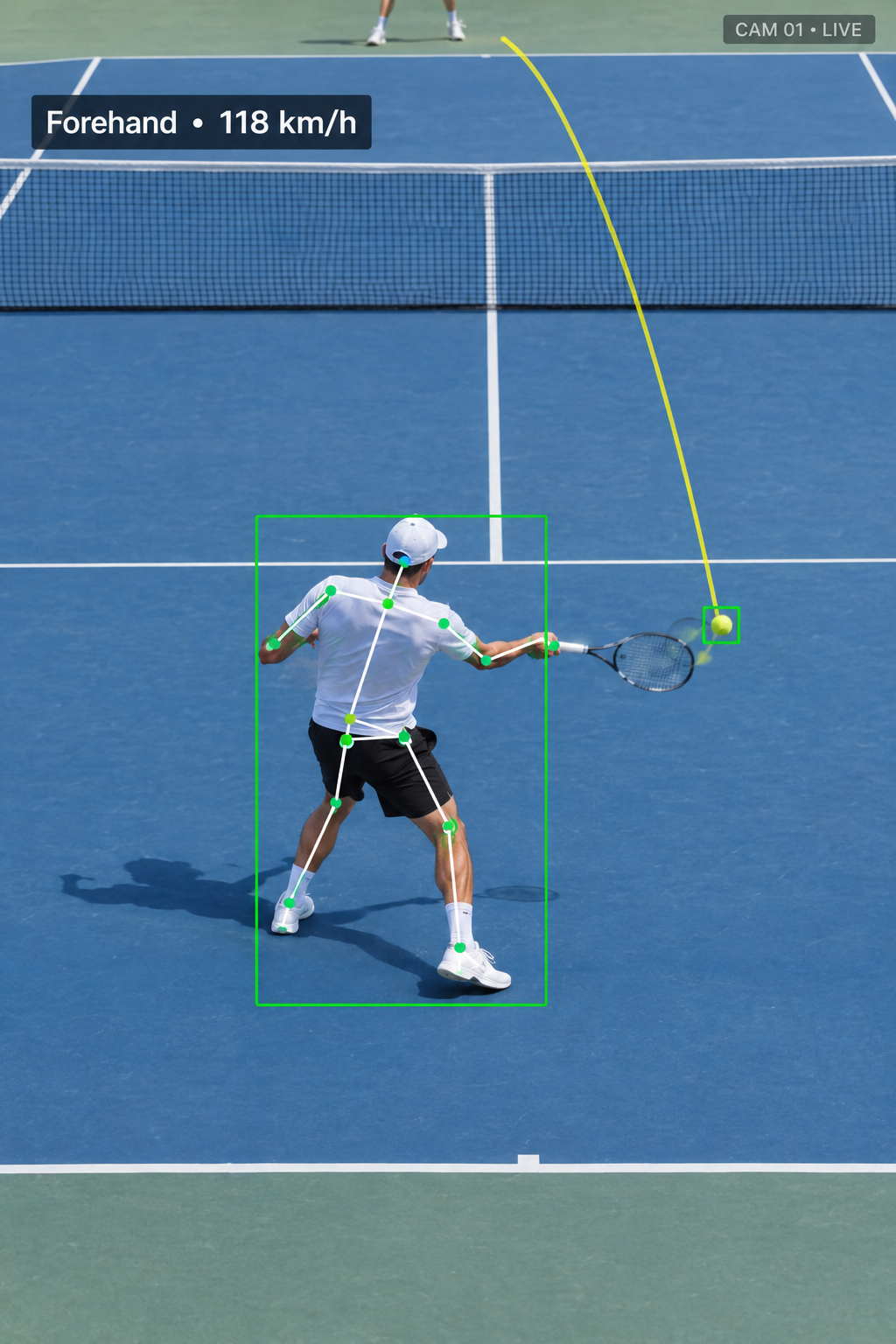
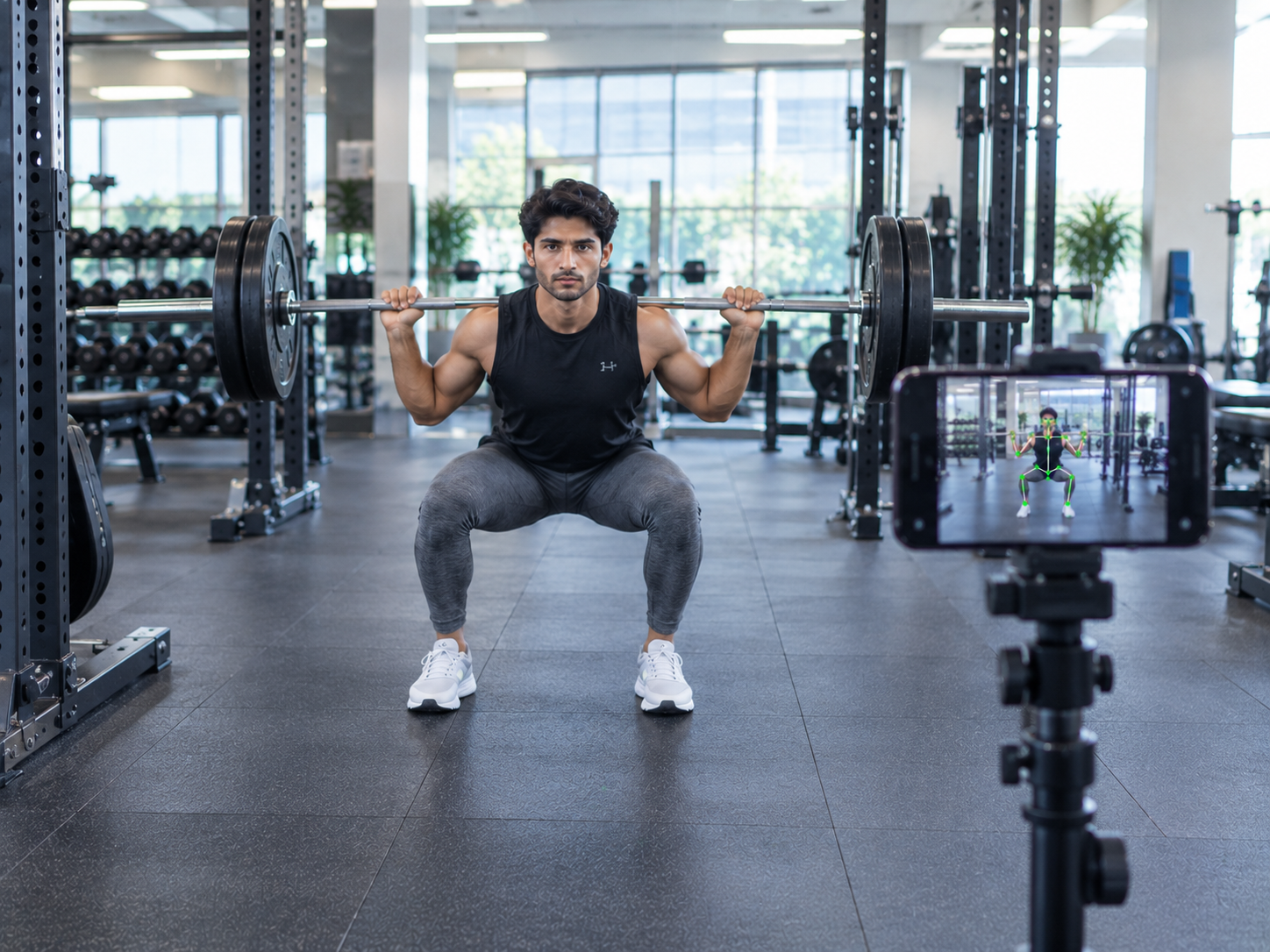
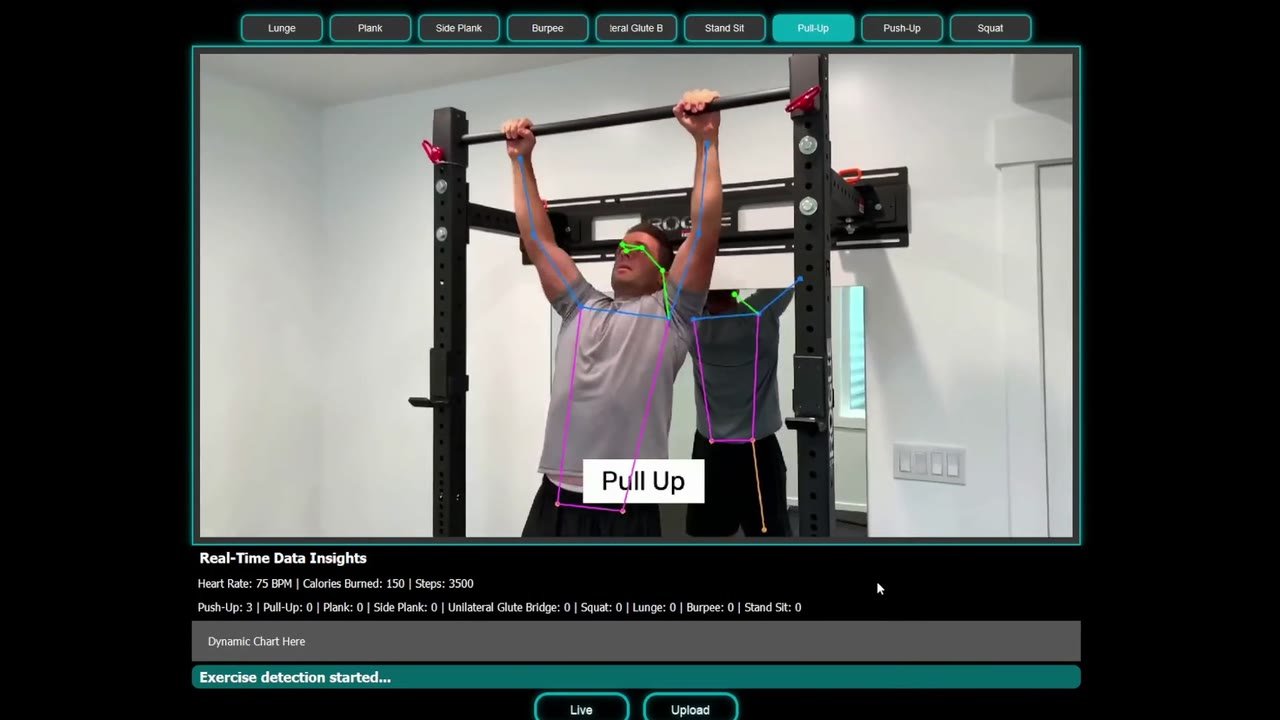
Pose estimation is the AI model behind posture tracking. In each video frame it finds 17 body keypoints, including the shoulders, elbows, wrists, hips, knees and ankles, and links them into a digital skeleton. From that skeleton the system calculates joint angles, such as the knee angle at the bottom of a squat or the hip angle in a deadlift, and compares them with the correct range for each exercise.
Well-known model families include YOLO-Pose and MediaPipe Pose. For production use, SwiftVision AI tunes models on footage of the exact exercises and camera angles a client works with, so accuracy holds up in real gyms and homes, not just in lab videos.
03 · Impact
What results can AI posture tracking deliver?
The value shows up as time saved for coaches and therapists, and as objective movement data that did not exist before.
- 3+ hrsSaved per physiotherapy session with AI pose estimation
- 17Body keypoints tracked in every video frame
- 0Wearable sensors needed, just a camera
04 · Process
How does AI posture tracking work?
Every posture tracking system follows the same four steps, from raw video to a coaching cue.
-
 Step 01
Capture
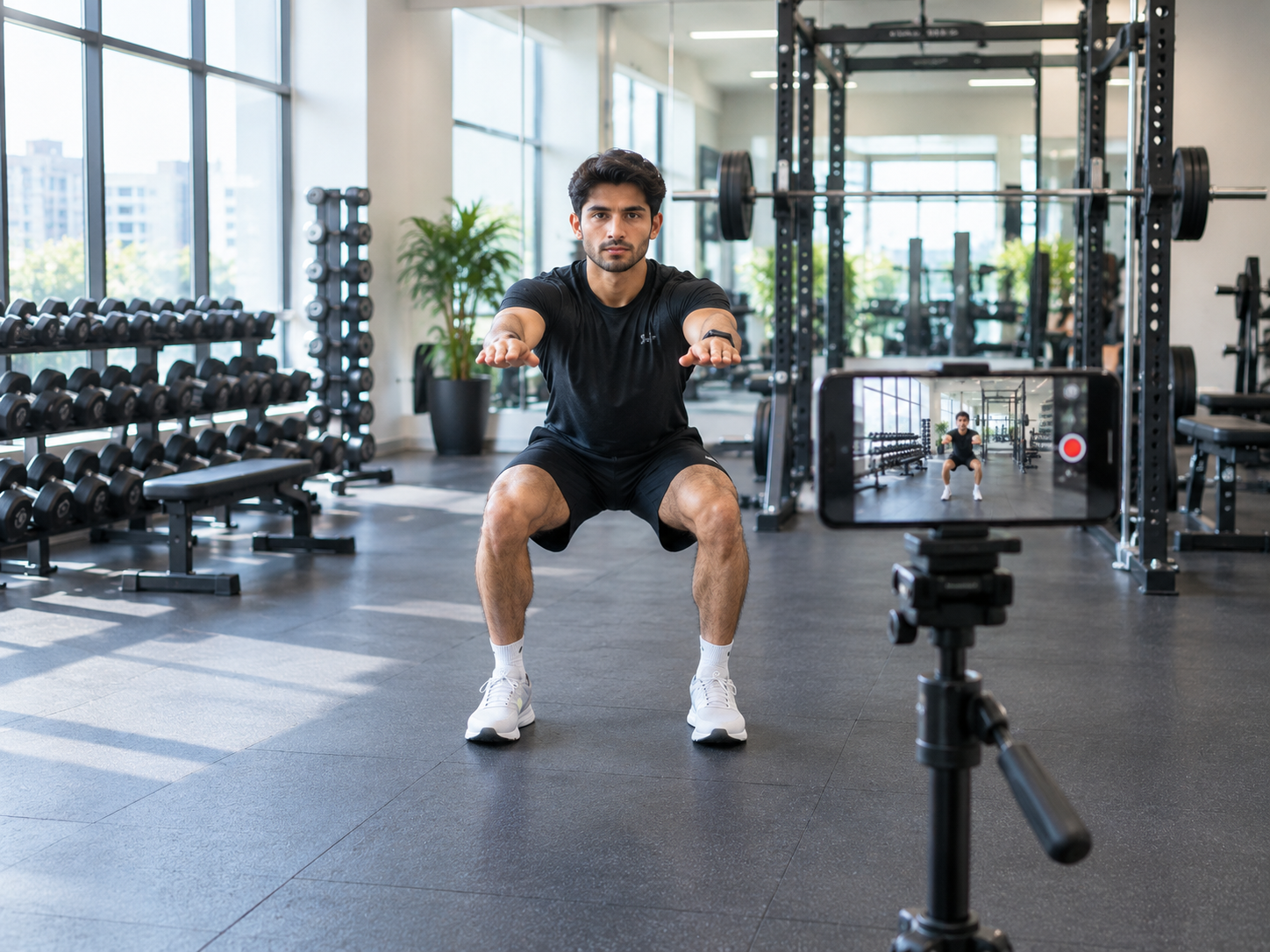
A phone, webcam or existing gym camera records the workout. No wearables or body markers are needed.
-
Step 02
Detect
The pose estimation model finds 17 body keypoints in each frame and links them into a skeleton.
-
 Step 03
Analyze
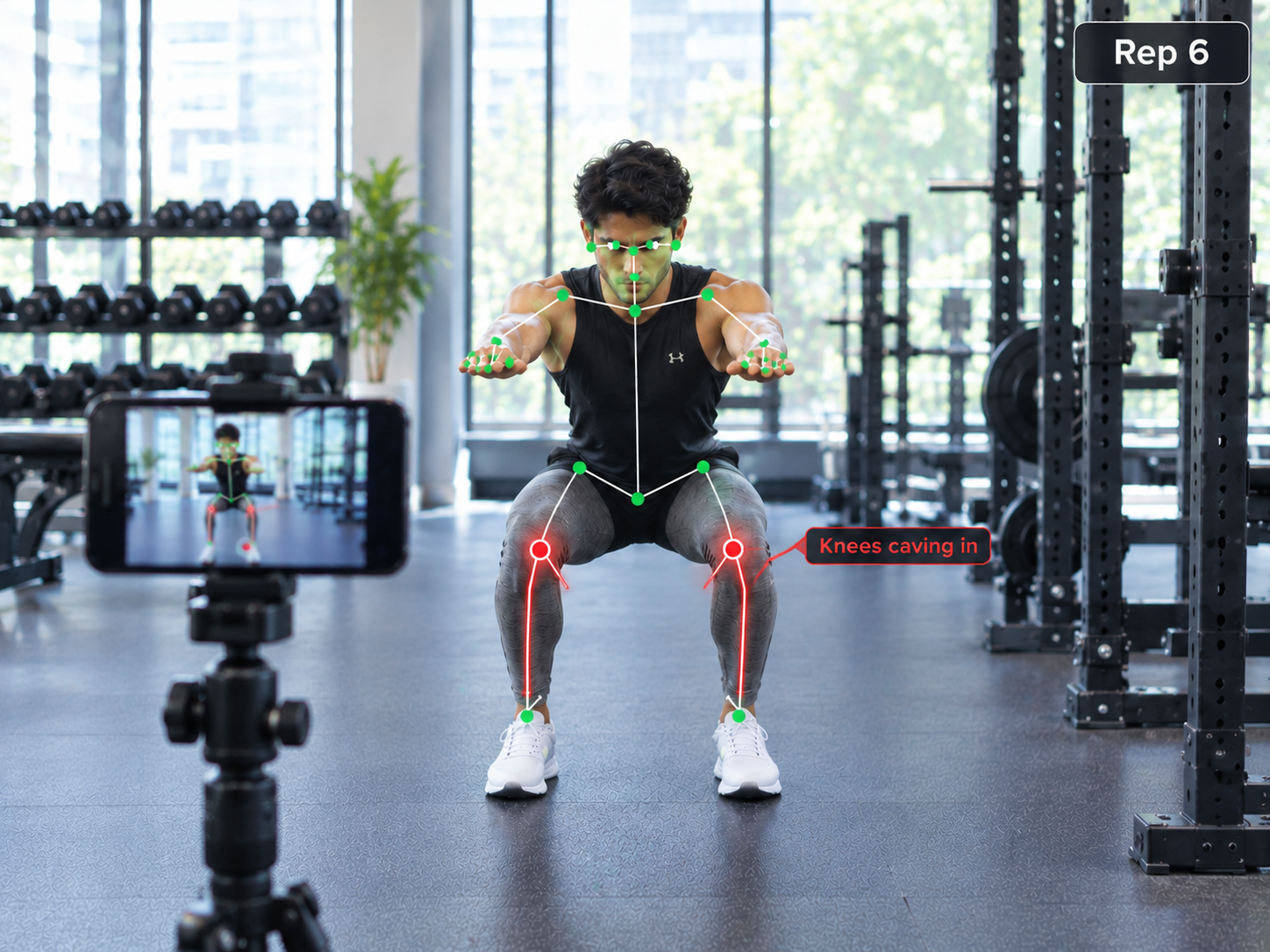
Joint angles are checked against the correct range, errors like knees caving in are flagged, and every full rep is counted.
-
 Step 04
Coach
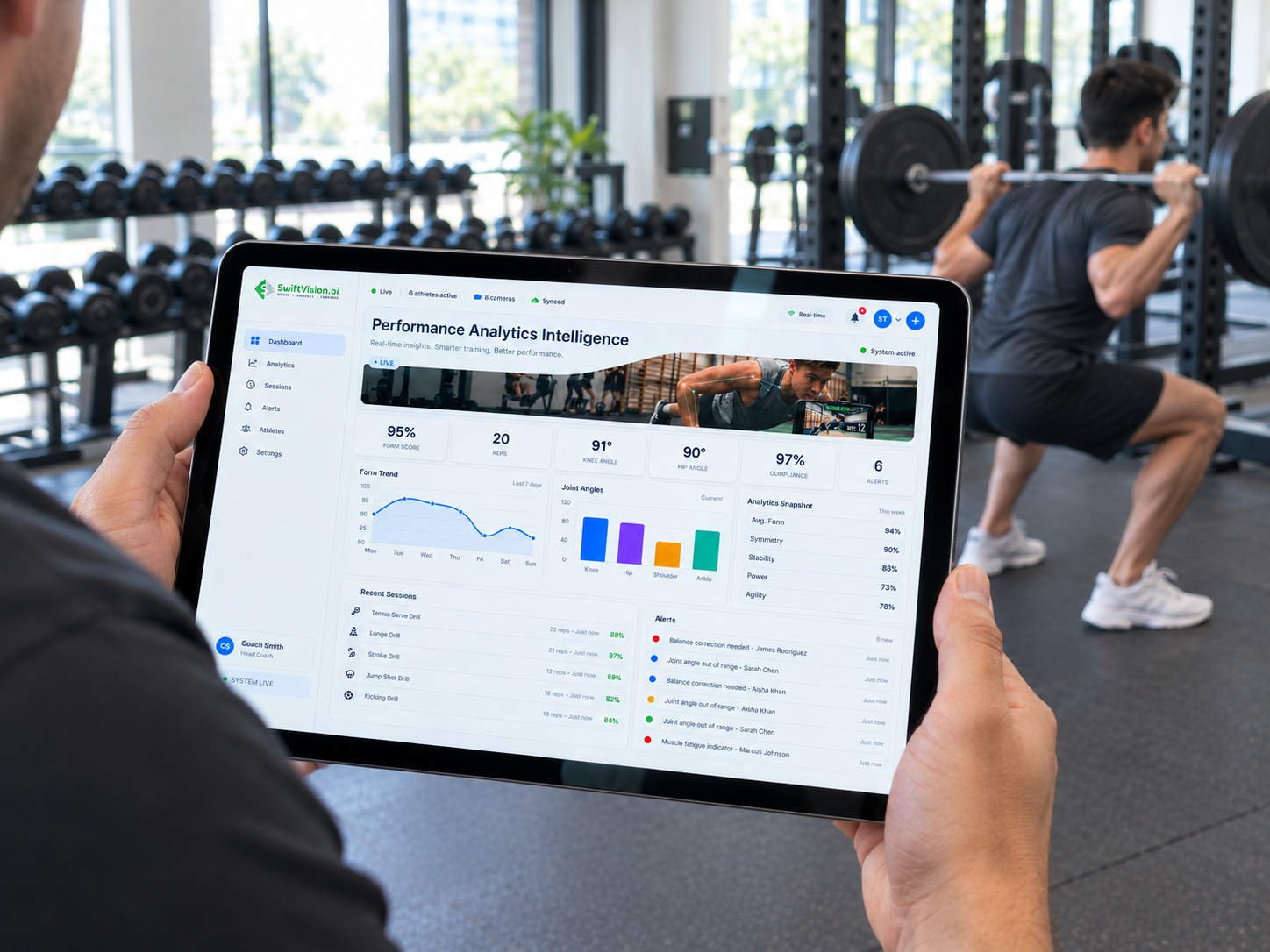
The user gets instant cues such as "keep your back straight", and coaches see progress on a dashboard.
05 · Benefits
What do gyms, clinics and fitness apps gain?
Adding AI posture tracking changes what coaches, therapists and members can see and measure.
- Consistent form checks on every rep, not only the reps a trainer happens to see.
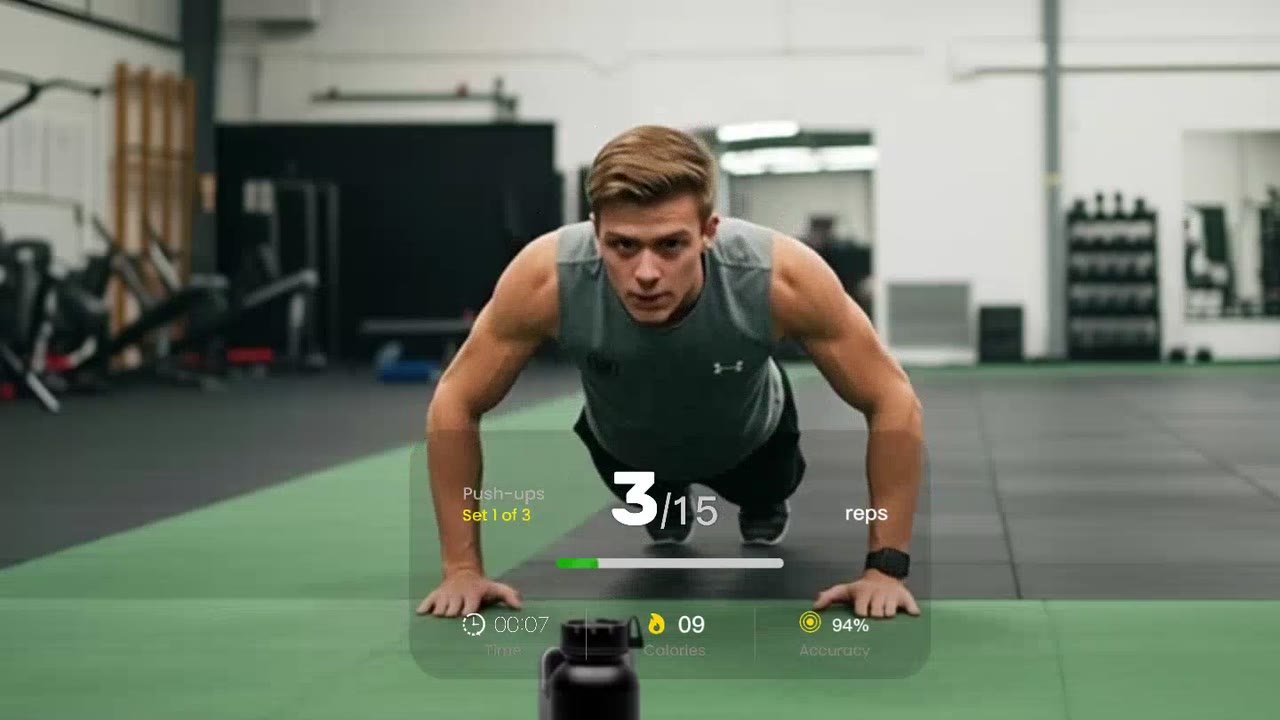
- Automatic rep and set counting, with no manual logging.
- Objective progress data for coaches, physiotherapists and members.
- One trainer can support more clients, in person or remotely.
- Works with cameras people already have, including phones and webcams.
06 · Comparison
Manual form checks vs AI posture tracking
Here is how a trainer watching by eye compares with an AI posture tracking system.
| Feature | Manual method | AI posture tracking |
|---|---|---|
| Accuracy | Depends on the coach's eye and viewing angle | Joint angles measured in every frame |
| Speed | Feedback after the set or session | Instant feedback during the rep |
| Consistency | Varies with fatigue and workload | Same rules applied to every rep |
| Scalability | One coach watches one client at a time | Many users tracked at the same time |
| Reporting | Handwritten notes or memory | Automatic rep counts and progress dashboards |
07 · Applications
Where is AI posture tracking used?
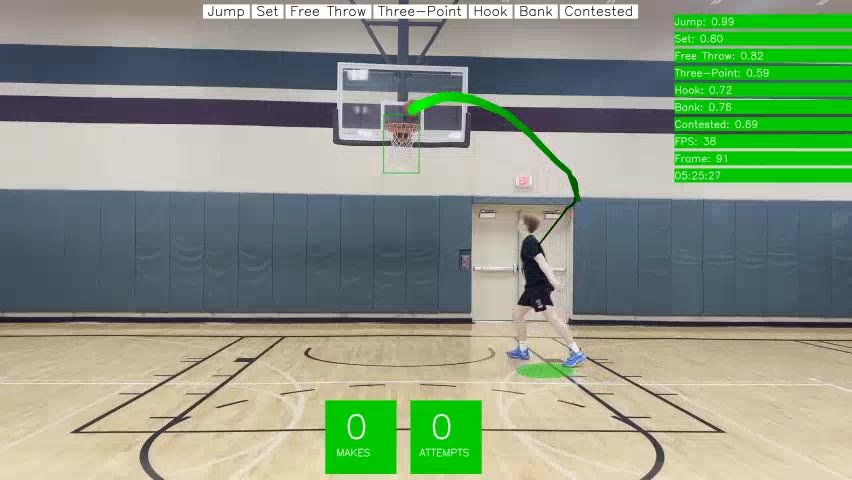
The same technology powers three main types of products. SwiftVision AI builds all three as part of its AI fitness app development work, and applies similar tracking to athletes in sports analytics.
-
Gyms & studios
Smart mirrors and gym cameras that check form and count reps for every member.
-
Physiotherapy
Remote rehab programs that measure range of motion and track recovery between visits.
-
Fitness apps
Phone-based coaching that gives real-time cues during home workouts.
08 · FAQ
Frequently asked questions
What is the difference between pose estimation and posture tracking?
Pose estimation is the AI model that finds body keypoints in an image. Posture tracking is the full system built on top of it: it measures joint angles over time, compares them with the correct form for an exercise, counts reps and gives feedback.
How accurate is AI posture tracking?
Accuracy depends on the camera angle, lighting and how well the model is trained for each exercise. With a clear view of the body and a model tuned on real footage of the target movements, joint angles and rep counts are reliable enough for coaching and rehab tracking. A pilot on your own videos is the best way to measure it.
What camera angle works best for posture tracking?
A side view works best for squats, deadlifts, lunges and push-ups because it shows hip, knee and back angles clearly. A front view is better for checking knee alignment and left-right balance. The whole body should be in frame, with the camera steady and the room well lit.
Can AI posture tracking run on a phone without internet?
Yes. Lightweight pose estimation models can run on-device on modern iPhone and Android phones. This gives instant feedback with no network delay and keeps workout video on the phone.
Is AI posture tracking safe for user privacy?
It can be designed to be. The system only needs body keypoints, not faces or identity, so video can be processed on the device and only joint data and rep counts are stored. This makes it easier to meet privacy requirements in gyms, clinics and consumer apps.
How long does it take to build an AI posture tracking app?
It depends on the number of exercises, the platforms (web, iOS, Android) and the integrations you need. Most projects start with a small pilot covering a few key exercises, then expand. SwiftVision AI shares a scope and timeline after a short consultation.

Work with SwiftVision AI
Build AI posture tracking into your fitness product
Tell us about your exercises, users and cameras, and our team will show how pose estimation fits your app, gym or clinic.