Employee and Customer Activity Monitoring:
Faster Service and Shorter Queues, Without Watching People
Customers rarely complain about waiting. They just leave. Employee and customer activity monitoring uses AI on your existing cameras to spot unattended counters, growing queues and safety risks as they happen, and tells the right person in time to act. This guide covers what it measures, the alert rules that work, and how to run it in a privacy-first way your team will accept.
01 · The service gap
Why do waiting customers walk out?
A customer reaches the fitting rooms and nobody is there. Another stands at a bank counter for three minutes while the cashier is in the back. A third sees five people at the only open till and puts the basket down. None of these moments show up in sales reports, and the manager usually hears about them only through a bad review.
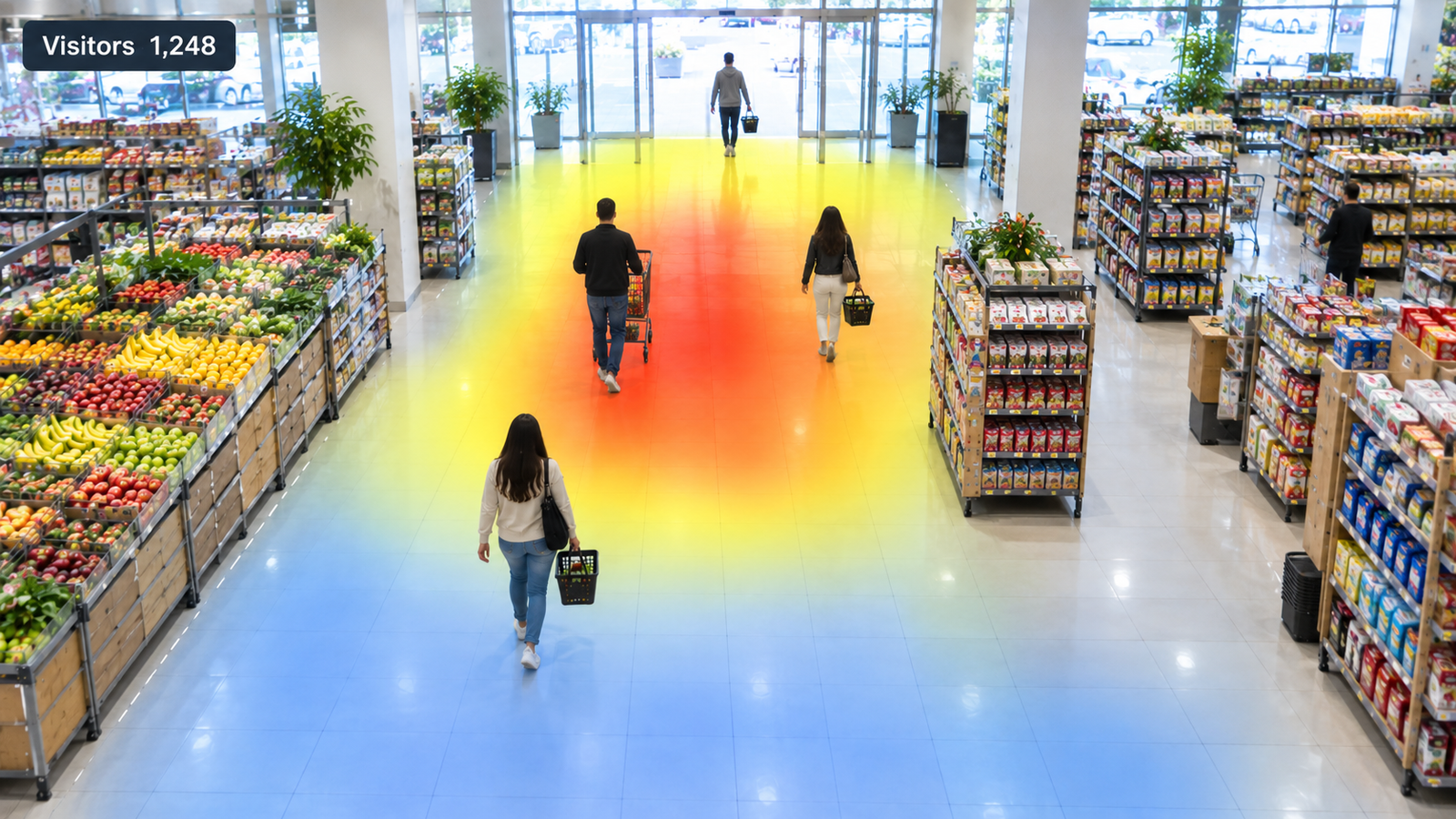
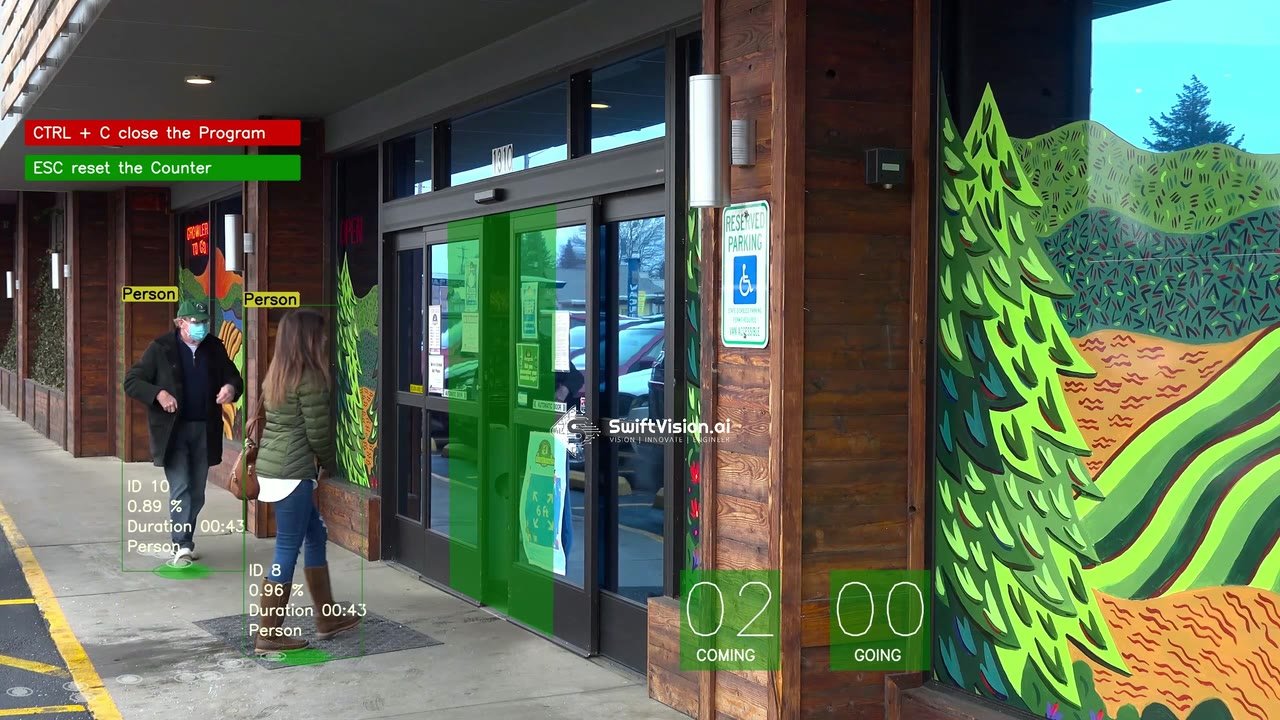
Employee and customer activity monitoring makes those moments visible. Computer vision watches service zones on the CCTV you already have and measures how quickly customers are served, where they wait and when a zone has no staff. It is part of our retail AI solutions, and it answers a different question from traffic counting: not how many people came in, but how well they were looked after.
02 · How it works
How does AI tell staff from customers?
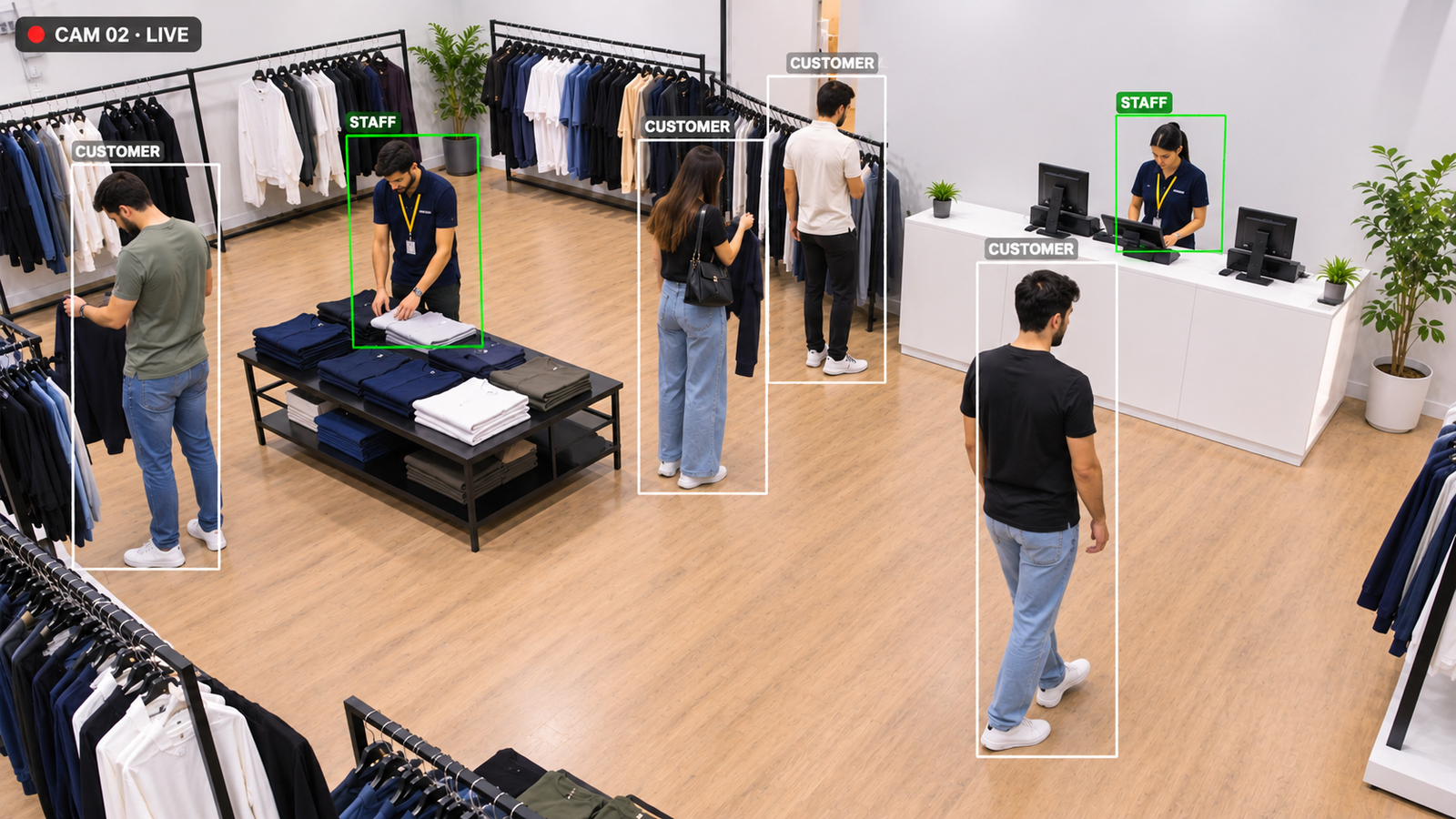
A person detection model finds everyone in each camera view, and a tracker follows each one with an anonymous ID while they are in view. The system then tells staff from customers. In most sites this uses what is already visible: uniform colour or a lanyard, or the fact that a person works from behind the counter or uses staff-only doors. No names, faces or badges are needed.
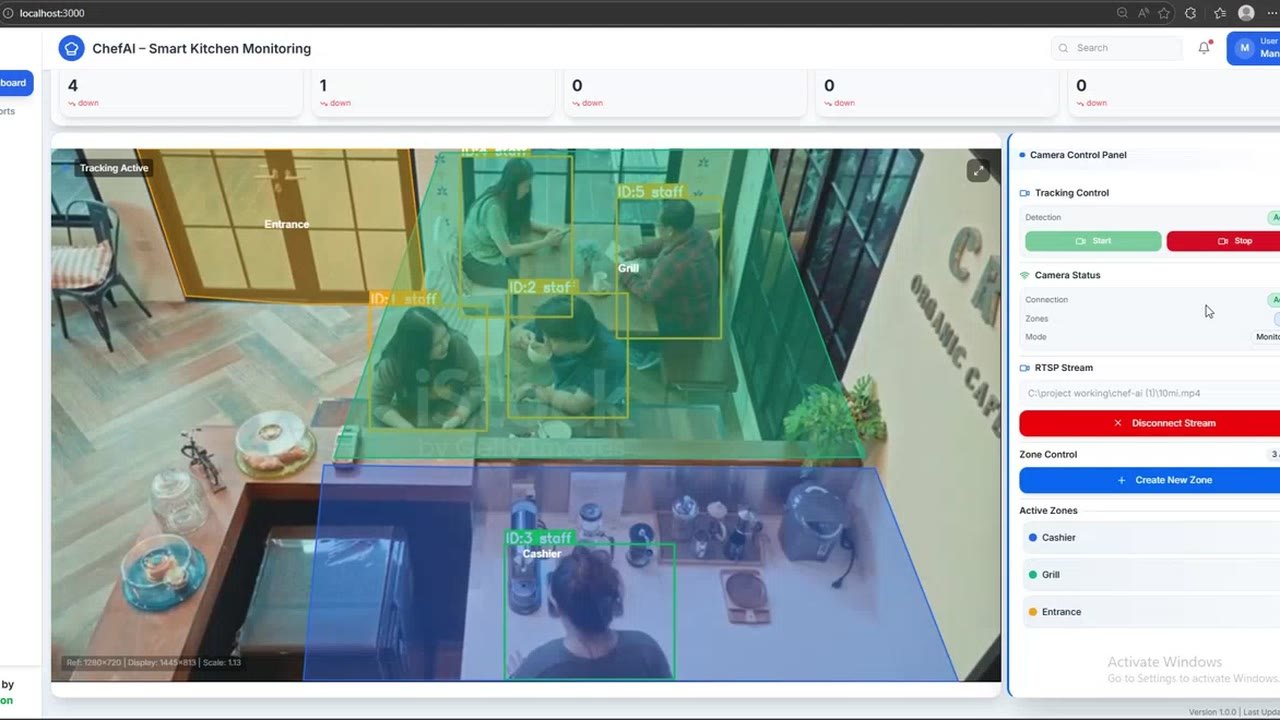
Each camera view is divided into service zones, such as tills, a service counter, the fitting rooms or a kitchen pass. For every zone the system knows, second by second, how many customers are waiting and whether a staff member is present. That is enough to measure queue length, checkout wait time and time to serve, and to raise an alert when a rule is broken. Our staff and customer zone monitoring demo shows this on real store footage.

03 · Service metrics
Which service metrics should you track?
Five metrics cover most service problems. Time to serve is how long a customer waits in a zone before a staff member reaches them. Unattended-customer minutes add up every minute a customer waited in a zone with no staff. Queue length and checkout wait time show when tills are under-staffed. Staff coverage is the share of open hours each zone had a staff member present. Put next to traffic from footfall analytics, they show whether the rota matches demand, which is the core of retail staff allocation analytics.
- 42%Shorter queue waits in a SwiftVision AI retail deployment
- 0Faces recognised or identities stored by the system
- 5Service metrics measured for every zone, every hour
04 · Setup
How do you set up activity monitoring in four steps?
Most sites start with two or three cameras covering tills and one service area.
-
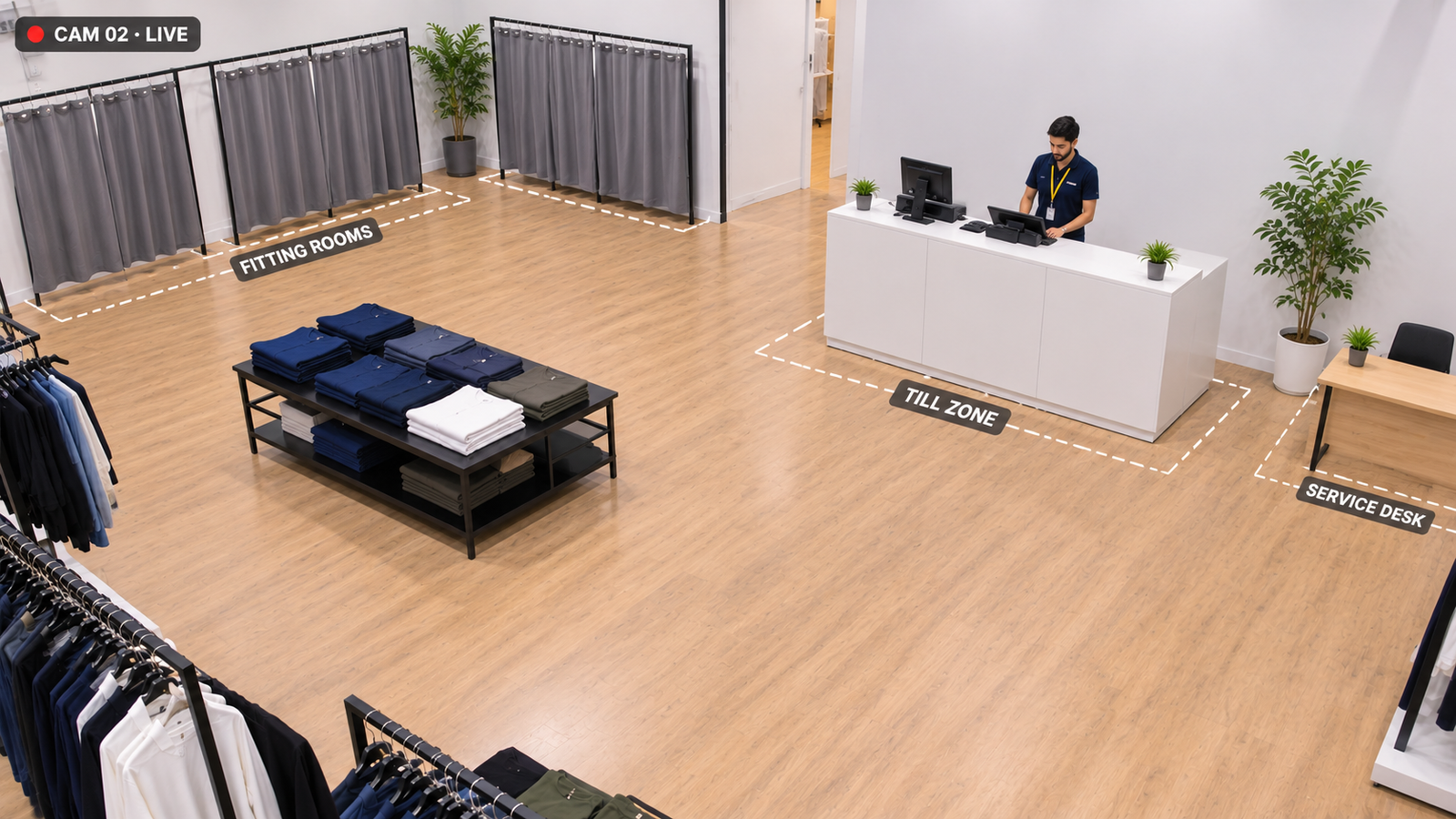 Step 01
Map service zones
Outline the zones that matter on each camera, such as tills, the service counter and the fitting rooms.
-
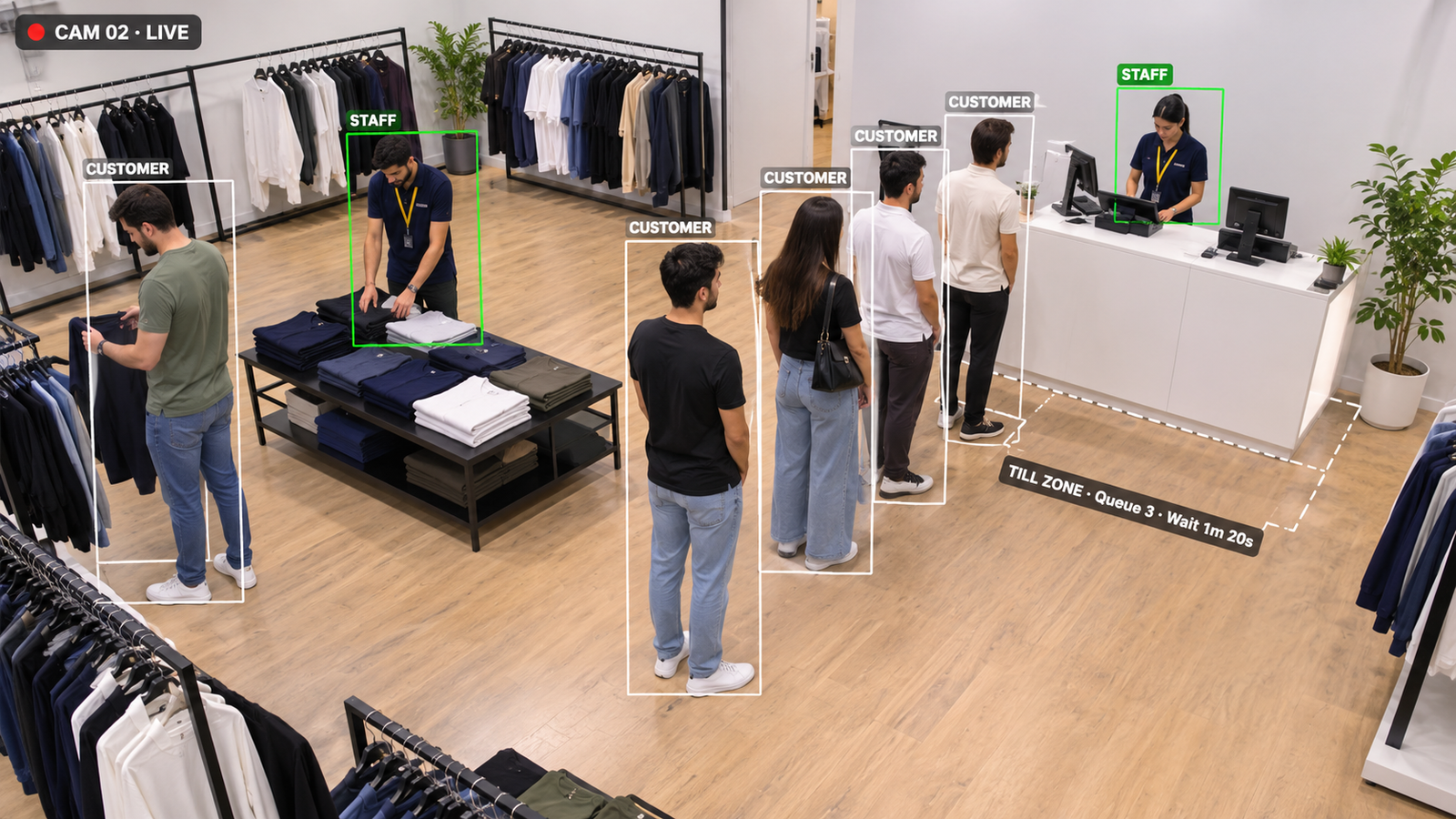 Step 02
Tell staff from customers
The model learns your uniform or staff areas, so staff and customers are counted separately.
-
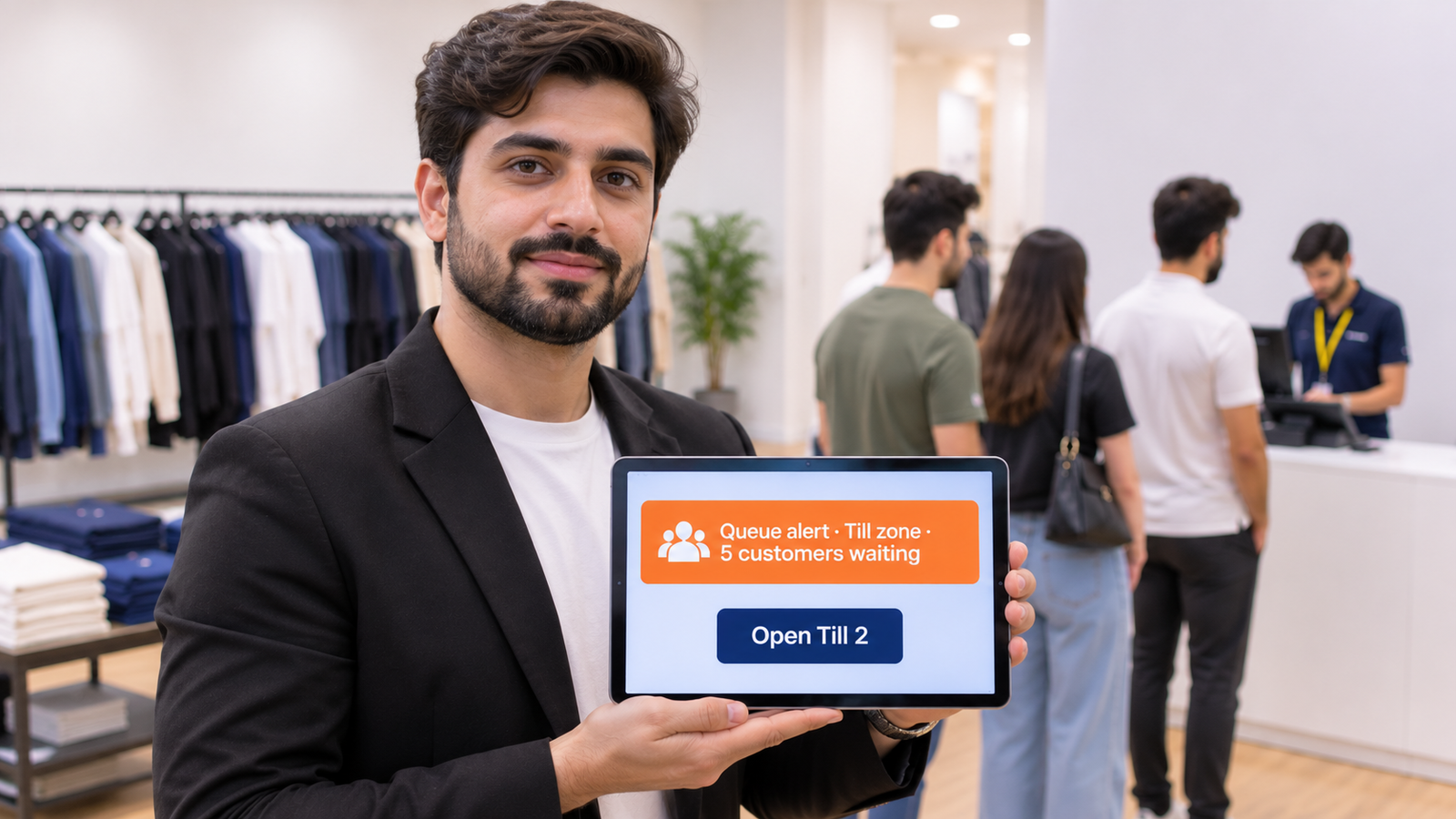 Step 03
Set alert rules
Choose a few clear rules, such as a queue over four people, and send alerts to the right phone or tablet.
-
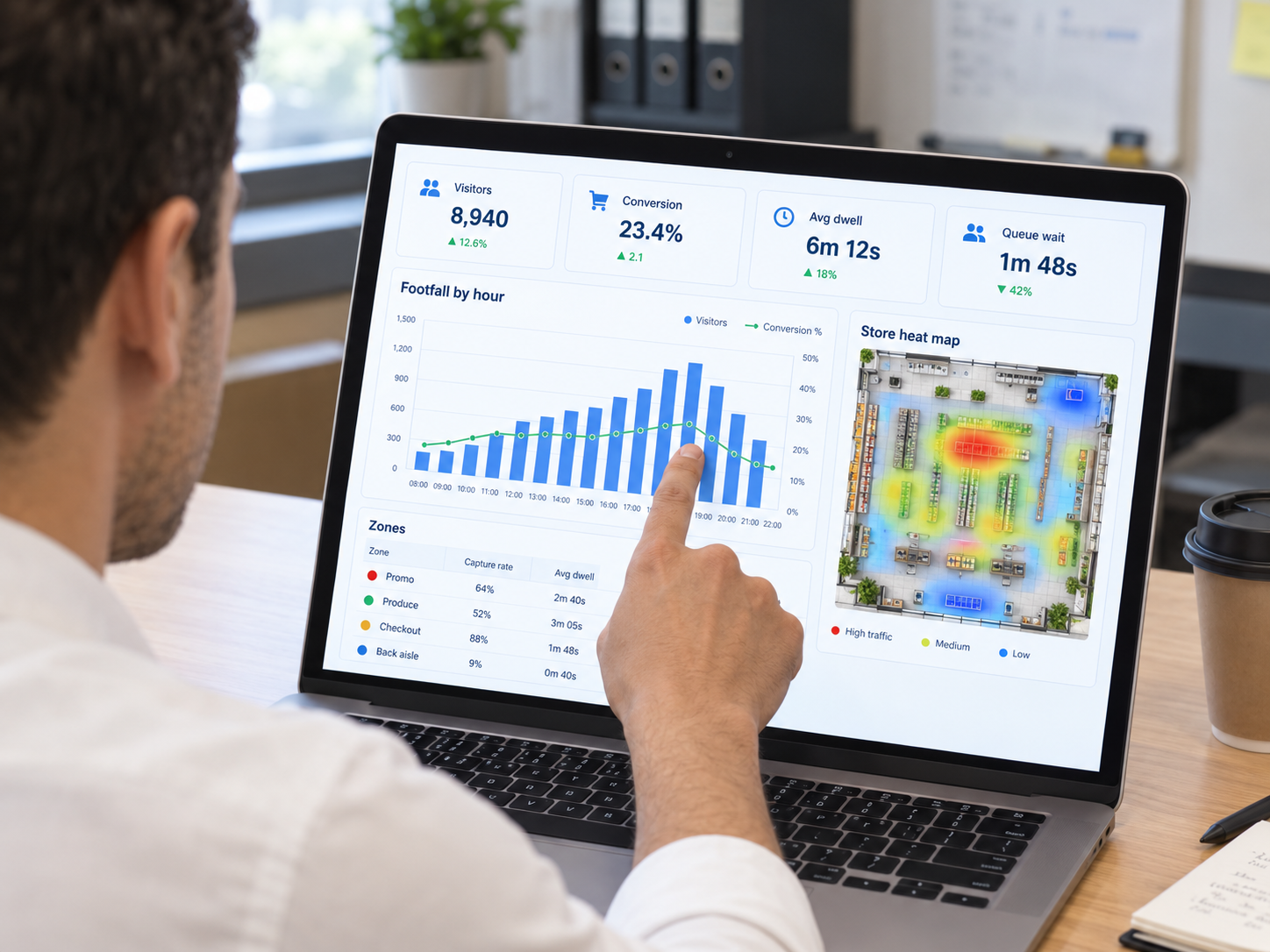 Step 04
Review each shift
Check time to serve and coverage by zone after each shift, then adjust breaks and the staff rota.
05 · Alert rules
Which alert rules actually work?
Good alerts are few, specific and tied to one action. These employee and customer activity monitoring rules work in most stores, restaurants and branches.
- Queue over four people: alert the floor manager to open another till before customers start to leave.
- Customer waiting with no staff for 60 seconds: at a service counter or fitting room, call the nearest team member.
- Counter empty during opening hours: flag when a zone that should always be covered is left without staff.
- Crowding near an emergency exit: warn when too many people gather in front of a fire exit or blocked aisle.
- Customer in a staff-only area: alert security when someone without a uniform enters a stockroom or kitchen.
06 · Comparison
Mystery shopping and audits vs AI activity monitoring
Most businesses still check service quality with occasional audits. Here is how continuous AI monitoring compares. Whatever you choose, follow your local data protection rules, such as the video guidance from the European Data Protection Board (EDPB).
| Factor | Audits & mystery shopping | AI activity monitoring |
|---|---|---|
| Coverage | A few visits a month | Every hour the store is open |
| Time to serve | One visit, one stopwatch | Measured for every customer |
| Queues | Seen only if the auditor is there | Live queue length and alerts |
| Speed of action | A report weeks later | Alerts during the shift |
| Privacy | Depends on the auditor | Anonymous, no face recognition |
07 · Where it fits
Where does activity monitoring fit best?
Employee and customer activity monitoring adapts to very different places. Teams that also need site security use our privacy-safe surveillance AI.
-
Retail stores
Till queues, fitting room waits and floor coverage at peak hours.
-
Restaurants & kitchens
Order counter waits, kitchen pass delays and hygiene zones.
-
Banks & service desks
Counter wait times, unattended desks and branch safety.
08 · FAQ
Frequently asked questions
Is it legal to monitor employees with AI cameras?
In many countries it can be, if it is done for a clear purpose, staff are informed and the data is kept to what is needed. Rules differ by country, so check local law and data protection guidance before rollout. This is not legal advice. Measuring zones and wait times rather than individual people makes compliance much simpler.
Does employee and customer activity monitoring use facial recognition?
No. The system only needs to detect people, tell staff from customers and know which zone they are in. It assigns anonymous IDs while a person is in view and does not recognise faces or store identities.
How does the AI tell staff from customers?
It usually uses what is already visible, such as uniform colour, a lanyard, or the fact that a person works behind the counter or uses staff-only doors. The model is tuned on footage from your own site during setup.
Can it measure queue length and checkout wait time?
Yes. It counts customers waiting in each till or counter zone and measures how long each one waits before being served, so you can see queue length and checkout wait time by hour and by store.
Can we use our existing CCTV cameras?
Usually, yes. Most modern IP cameras work if they show the service zones clearly from above. A short camera review at the start tells you which zones each camera can cover.
Can managers get alerts in real time?
Yes. Alerts can go to a phone, tablet, smartwatch or store screen when a rule is broken, such as a long queue or an unattended counter, so the team can act during the shift.

Stores, restaurants and branches
Serve customers before they walk out
Book a 30-minute call. We'll review your cameras and service areas, and show which zones, queues and alerts you can start monitoring.